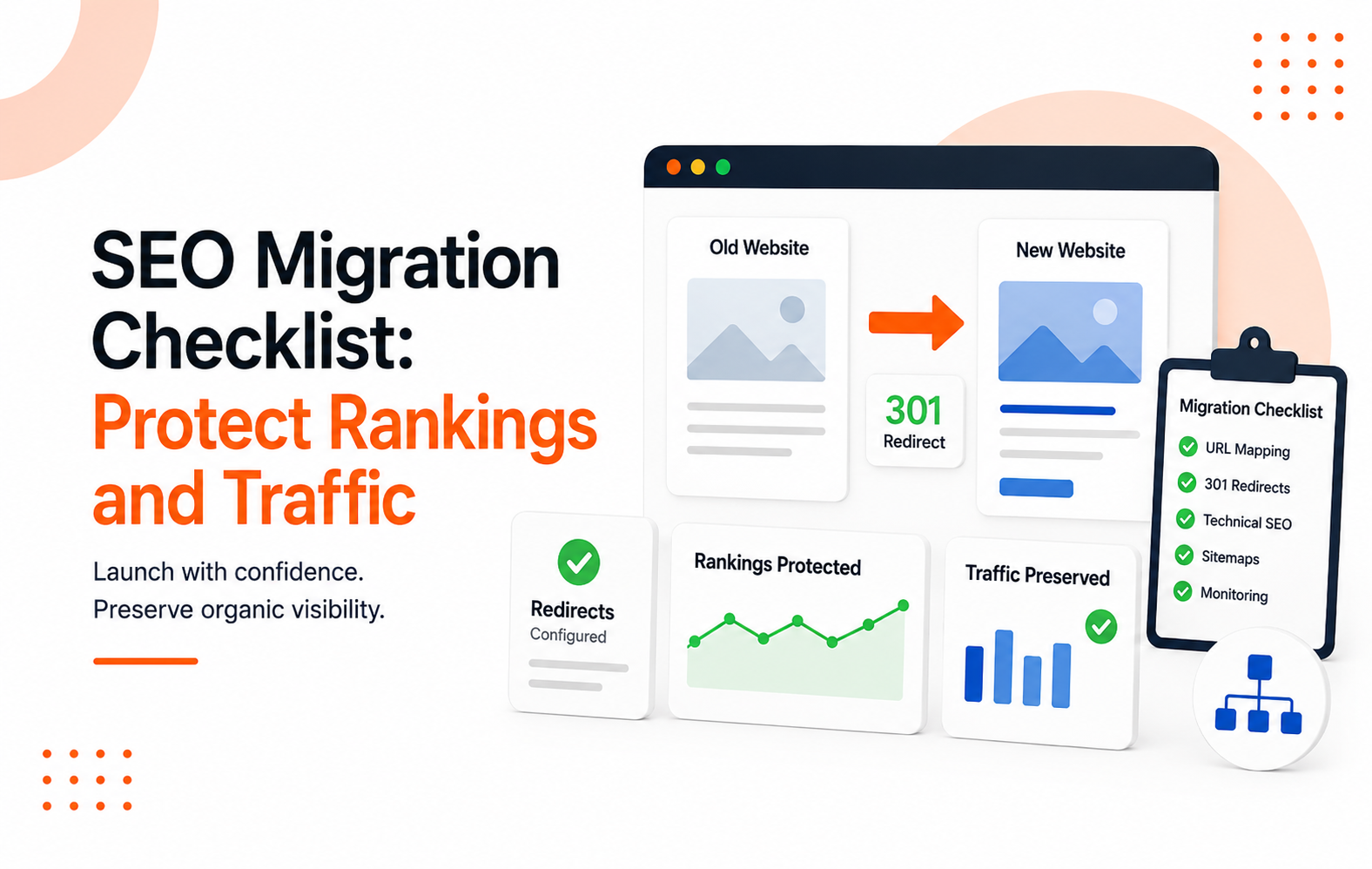
A rebrand can sharpen your story. A website redesign can improve conversions. A domain migration can clean up years of technical debt.
But if the migration is handled poorly, organic traffic can disappear almost overnight.
That is the part many businesses overlook. Search engine visibility is an asset built over time through content, backlinks, rankings, and user trust. If you want your new website to look better and perform better, you need a clear SEO migration checklist that protects your organic traffic during every stage of the transition.
Key Takeaways
- A website redesign is not just a design project. It is also a traffic preservation project.
- Benchmark your top-performing pages, rankings, leads, and backlinks before launch.
- Build and test 301 redirects early instead of waiting until launch day.
- Protect technical SEO elements such as crawlability, canonicals, schema markup, internal links, and the XML sitemap.
- Monitor the first 30 days closely because small migration errors can create significant traffic losses.
- Rebrands require off-site updates, including business listings, citations, and brand mentions, to maintain search engine visibility.
What to Lock Down Before the Website Redesign Starts
Most migration losses happen before development starts, not at launch. They happen much earlier.
The first job is simple. Figure out what is working right now, then protect it.
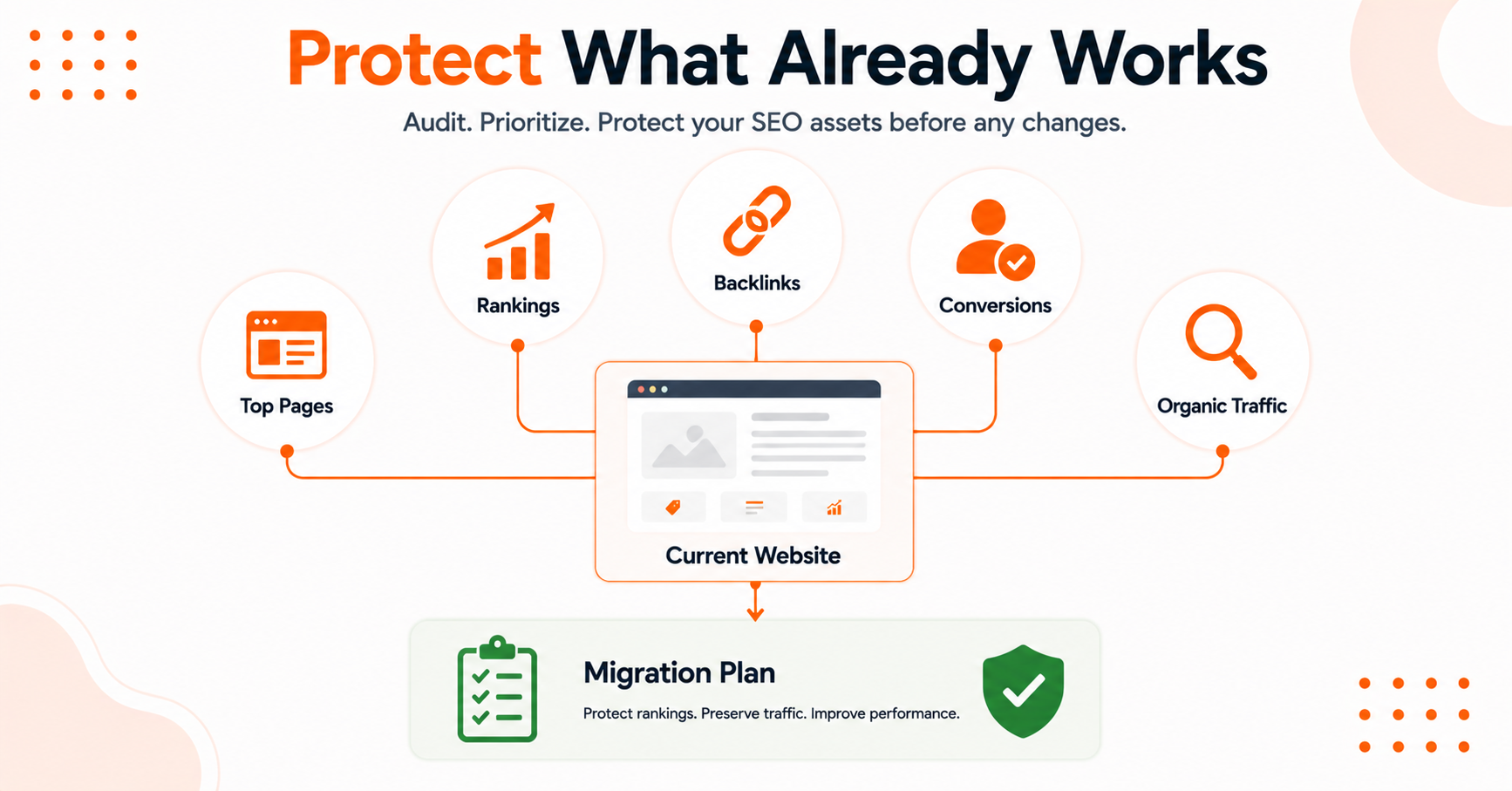
Start by pulling a full inventory of live URLs, top landing pages, organic conversions, backlinks, indexable pages, metadata, and any structured data already helping you show up in search or answer-driven results. You should use a tool like Screaming Frog to crawl your site to ensure you have a complete list of URLs, and be sure to audit your current site for any hidden noindex tags that might affect your crawl budget or indexing.
Start with the assets that matter most. For ecommerce brands, that is often category pages and high-margin product collections.
For local businesses, it is service pages, city pages, and your location data. For SaaS teams, it might be feature pages, docs, integrations, and comparison pages.
Different site, same rule. Protect the pages already pulling weight.
Before you finalize your strategy, perform thorough URL mapping to understand which pages need to be preserved to maintain your current search engine visibility.
This is the baseline worth capturing before anything changes:
Once you have the snapshot, set migration goals that go beyond simply keeping traffic flat. You want the new site to preserve rankings, keep conversion paths intact, improve page speed, and make core pages easier to crawl.
Use Google Analytics 4 and Google Search Console to pull your historical performance data, as these sources provide the most reliable benchmarks for your current SEO health. If you want a second opinion on planning steps, this website migration checklist for enterprise teams is a useful cross-check.
One more thing. Assign a real owner.
If nobody owns the migration across SEO, dev, analytics, and content, small mistakes stack up fast.
Build a 301 Redirects Map Before a Single URL Changes
If old URLs disappear without a plan, Google and users both hit a wall. That is how you turn a healthy site into a ghost town.
Your URL mapping serves as the foundation for your redirect map, ensuring you avoid frustrating 404 error pages. Every meaningful old URL should match the best new destination.
Do not just send everything to the homepage or a broad parent page because it is close enough. The closest relevant page wins.
A strong one-to-one strategy using 301 redirects preserves context, user intent, and valuable link equity.
If your redirect plan lives in a spreadsheet nobody validates, you do not have a redirect plan. You have hope.
This is where teams get boxed in by design decisions. Navigation changes, slugs change, and entire content hubs get merged.
That can be fine, but only if the redirect logic keeps the original value alive. Keep high-performing pages live when you can.
When you cannot, use 301 redirects to point them to a page that answers the same need and keeps the next step obvious for the user.
Also, update your internal links and canonical tags before launch. Redirects help, but they are not a substitute for clean site architecture.
Your site architecture should include:
- Updated menu links
- Correct breadcrumb links
- Refreshed contextual internal links
- Canonical tags pointing to final URLs
- An updated XML sitemap
This keeps crawl paths cleaner and removes unnecessary hops, which is vital for maintaining a healthy site architecture.
Backlinks matter here too. Pull the URLs with the strongest backlink profile and treat them like VIPs.
If a page has quality links and steady conversions, it should not vanish in a redesign just because someone wanted a shorter menu.
If you want another migration checklist to compare against your redirect process, this content migration guide covers many of the same pressure points.
Protect the Technical Signals That Carry Rankings
A beautiful site can still be a broken site. Search engines do not care how polished the mockups looked in Figma; they care about the integrity of your technical SEO audit.
The technical foundation must survive the move. That means ensuring your pages are crawlable, status codes are correct, and your Core Web Vitals remain strong.
You must prioritize mobile-friendliness, stable internal linking, and fast-loading core pages. Always verify your robots.txt file to ensure that staging site rules do not accidentally block the entire site from being indexed, which happens more often than teams want to admit when configurations leak into production.
Metadata needs the same level of attention. Carefully migrate your title tags, meta descriptions, headings, alt text, and structured data to the new environment.
If your website redesign strips out FAQ sections, product schema, review markup, author details, or local business data, you can lose more than just your search engine rankings. You can lose visibility in rich results, AI Overviews, and answer-style search experiences.
This matters now because search is no longer a one-dimensional surface. People still use Google, but they also rely on AI-generated answers before they click.
If your website redesign makes your pages thinner, vaguer, or less structured, you are easier to ignore earlier in the user journey.
Pay Extra Attention to These Common Trouble Spots
- JavaScript-heavy pages that do not render key content effectively
- Faceted navigation that creates duplicate URLs
- New templates that weaken your internal links
- CMS rules that inadvertently add noindex tags or alter your canonical tags
- Page-speed regressions caused by oversized scripts and media
This is long-game work, and that is the point. Organic visibility compounds when the foundation is strong.
Paid ads can patch over a bad launch for a week, but they cannot replace the search equity you have already built.
Launch Week and the First 30 Days After
Launch day is not the finish line. It is the official start of post-migration monitoring, serving as the critical handoff from planning to inspection.
As soon as the new site goes live, perform a full crawl to identify any technical issues. You must validate your redirects, review canonical tags, and check for new crawl errors or unexpected 404 error pages.
Use Google Search Console to submit your new XML sitemap and verify that your Google Analytics 4 tracking, including conversion and event tags, is firing correctly. Monitor your indexation trends daily for the first few weeks to ensure search engines are processing the new structure as expected.
Keep a close eye on your most important pages. Did your top category pages keep their positions? Did your service pages retain their local visibility?

If you notice that keyword rankings for a key page drop from position three to twelve, investigate immediately. While minor fluctuations are normal, a cluster of drops often points to a specific migration issue.
Compare your live site performance against your staging site data to ensure no elements were lost during the move. If a page is stuck, analyze its heading structure, internal links, load times, and schema to find quick wins.
Rebrands add another layer of complexity. You need to update business listings, social profiles, directory citations, email templates, and external brand mentions.
Local businesses should prioritize updating:
- Google Business Profile
- Apple Maps
- Bing Places
- Yelp
- Major industry directories
The new name, URL, phone number, and address should all match. Any mixed signals here can slow your recovery.
Expect some volatility in the first few weeks. That part is normal.
What is not normal is letting obvious errors sit. If rankings tank, revisit your post-migration monitoring strategy and use Google Search Console to diagnose the issue.
For higher-stakes migrations, bring your SEO team into the room before launch, not after a drop occurs, because cleanup mode is always more expensive than prevention.
FAQs About SEO Migration
Here are additional questions you might ask.
How Early Should SEO Migration Planning Start?
SEO migration planning should start as soon as site structure, templates, or URLs are on the table. Four to eight weeks is common for smaller sites, while larger sites often need much longer, especially if content, domain, CMS, and brand changes are happening at the same time.
Remember that effective post-migration monitoring should extend for at least 30 days after your launch to ensure everything remains stable.
Should You Change the Domain and Redesign the Site at the Same Time?
Yes, you can change the domain and redesign the site at the same time, but the risk goes up. When possible, reduce moving parts.
If you need to change both, be stricter about benchmarks, redirects, QA, and post-launch monitoring.
Do 301 Redirects Preserve All Rankings?
No, 301 redirects do not preserve all rankings. While 301 redirects are essential for passing link equity from old URLs to new ones, they are not magic.
Using 301 redirects correctly helps transfer authority, but if the new page is weaker, slower, or less aligned with user intent, your positions can still drop.
What Pages Should Never Be Removed Without Review?
Any page with organic traffic, conversions, strong backlinks, or clear search intent should never be removed without review. Use Google Search Console to identify which pages are currently driving traffic so you do not accidentally remove them.
This includes old blog posts, location pages, docs, category pages, and resource pages that might look boring in a content audit but still pull in qualified visitors.
Can a Redesign Hurt Visibility in AI Search Results Too?
Yes, a redesign can hurt visibility in AI search results if it removes structured content, weakens clear answers, or strips out useful schema. These changes can reduce how often your brand appears in AI-generated summaries and search answer features.
The same clean structure that helps classic search engine rankings often helps answer-driven visibility too.
Make Your Next Website Migration a Success
A domain migration is not a branding exercise with an SEO task list added at the end. It is a high-stakes transfer of authority, trust, and discoverability that can impact your rankings, traffic, and revenue.
The best migrations protect what is already working while creating opportunities for future growth. By following a comprehensive SEO migration checklist, you can preserve search engine visibility, maintain valuable rankings, and avoid costly mistakes after launch.
For businesses navigating a website redesign, rebrand, or domain migration, working with an experienced partner can make the process far less risky. Refresh is a digital marketing agency that helps companies improve their online presence through SEO, website strategy, and performance-focused web design.
If your migration involves important revenue-driving pages, schedule a call with Refresh before launch to help ensure a smooth transition and protect the organic traffic you have worked hard to earn.
Leave a Reply